USER LOGIN:
 User:
 Pass:

VIDEOS
Popular:


Guest | Registration   
SCRIPTS PHP TIPS ICONS ONLINE RADIOS MUSIC TRAINERS TORRENTS FREEWARE NEW

How to Bring Back Old File Explorer in Windows 11
Britec09 Report broken video | Report video | Add Comment  
FILESI VIDEO | How to Bring Back Old File Explorer in Windows 11 ...
 
1 2 3 4 5
543 views
So you upgrade to Windows 11 and don’t like Windows Explorer or File Explorer? well, you can restore Windows 10 file explorer on Windows 11 with a 3rd party tool or you can use a registry tweak to restore file explorer. You can restore to default file explorer and anytime.

Download Winaero Tweaker

HKEY_LOCAL_MACHINESOFTWAREMicrosoftWindowsCurrentVersionShell Extensions

String Value:

{e2bf9676-5f8f-435c-97eb-11607a5bedf7}

Next similar videos...


Recent added videos by Britec09:


Video Comments 0


  POST YOUR COMMENT


Added by: Britec09
Member since: N/A
Video: November 14, 2021
Install Windows 11 on Anything!!!
Added March 14, 2022
225 views |
What We Know About Windows 12
Added April 26, 2024
471 views |
How to Clear ALL CACHE & JUNK From Windows 11 & Windows 10 (Easy Way)
Added September 3, 2024
169 views |
How To Install Update UHD Graphics Driver on Windows 11/10
Added September 6, 2024
488 views |
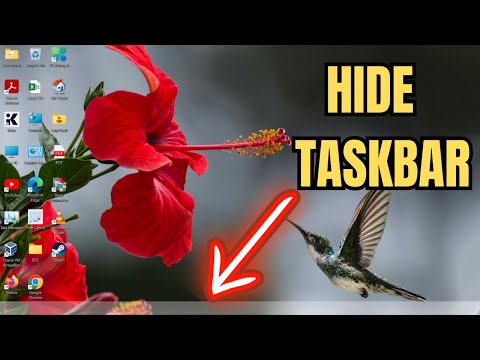
How To Hide/Unhide The Taskbar On Windows 11
Added September 6, 2024
348 views |
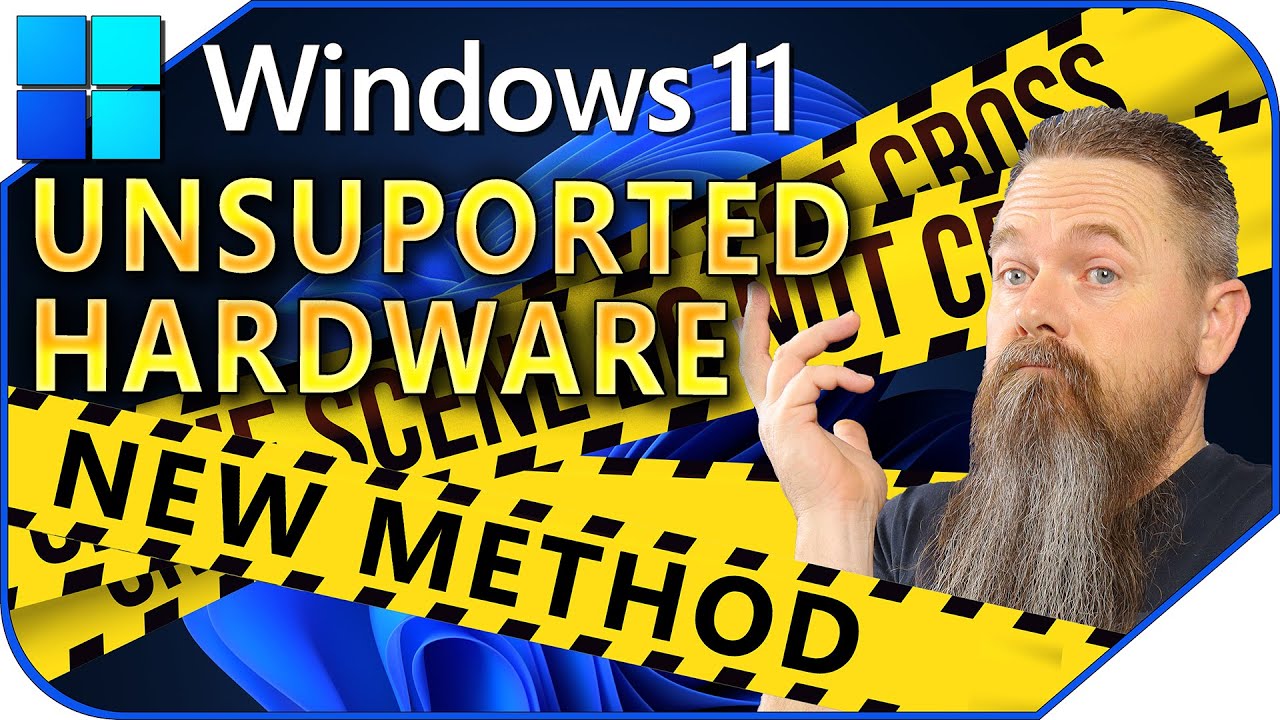
New Method For Windows 11 Unsupported PCs (Easiest Yet)
Added September 18, 2024
465 views |
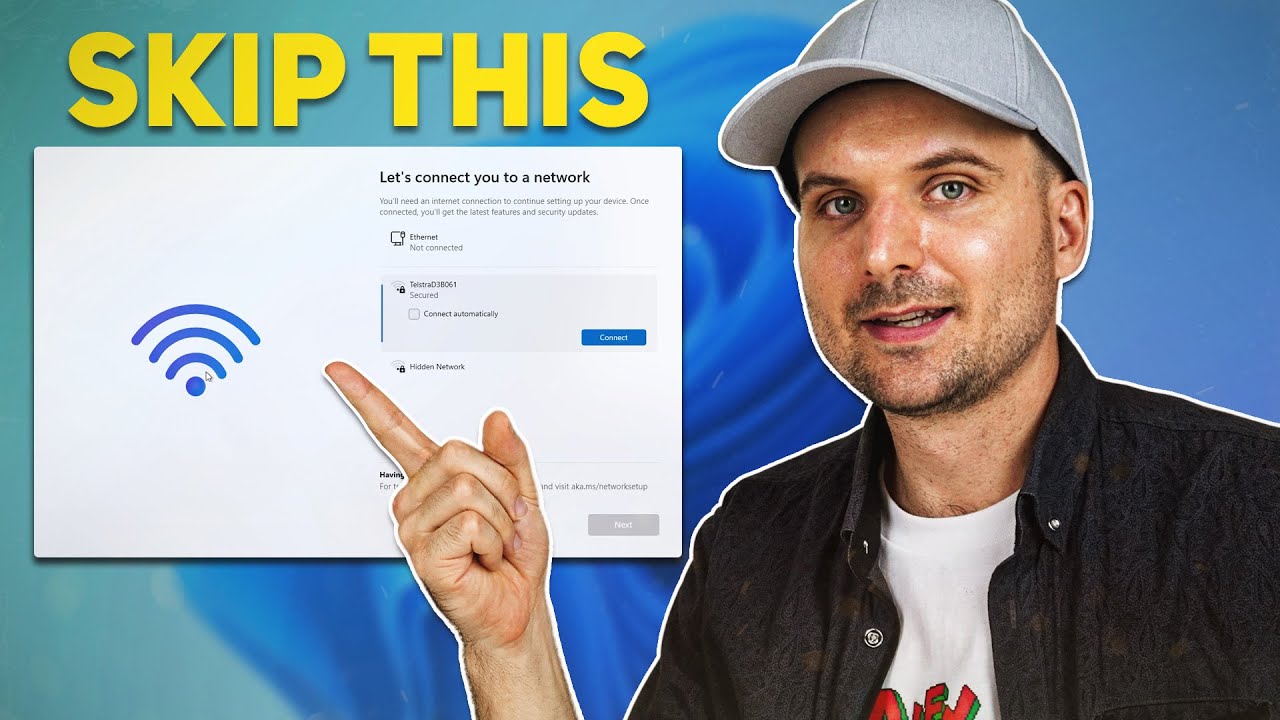
How to Skip 'Let's connect you to a network' Internet Requirement in Windows 11
Added November 8, 2025
243 views |


Site Author 2007 - 2026 ©, All rights reserved | For your question klik here

EU-SEARCH | EU-SEARCH Images | FILESI (english) | NEWS | RADIOCAST